The Federal Trade Commission (FTC) reported:
You get an unexpected CAPTCHA request while browsing a website. The screen looks a lot like a regular CAPTCHA, asking you to verify you’re human. But the message says to type a series of commands — something like “Windows + R,” then “Ctrl + V,” and then “Enter”. The screen might say “security verification,” but you’re actually following the steps to paste and run hidden malware on your device. Once it’s there, scammers can quickly steal your email account login data, mobile banking credentials, or any other information they can get access to.
Find the original article here.
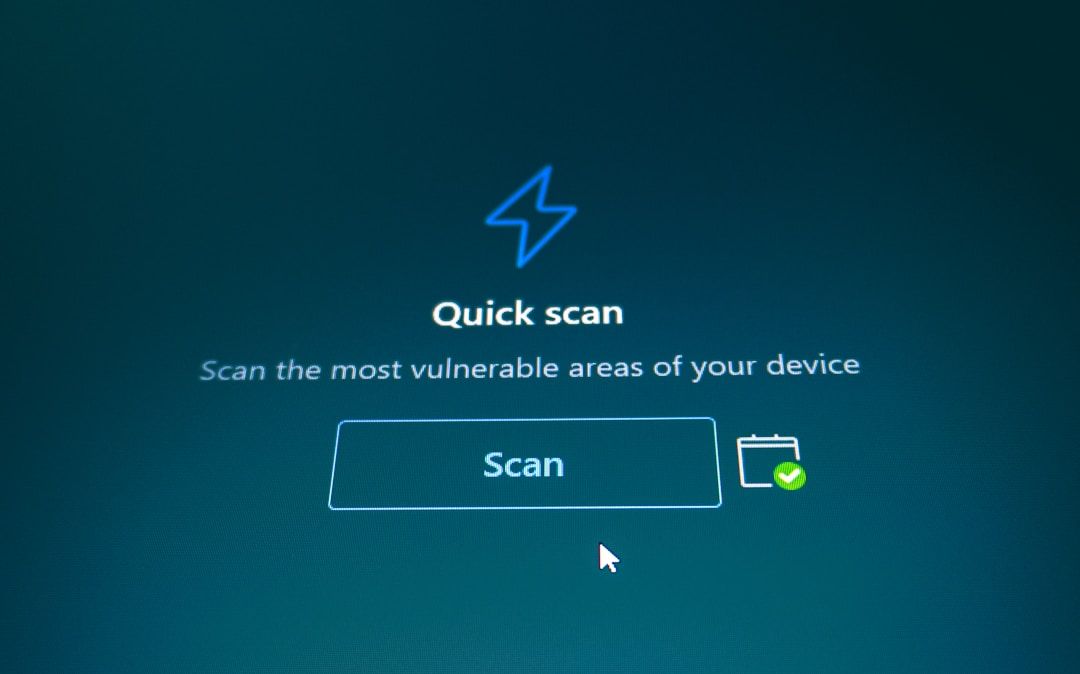
Key Takeaway: If you notice something downloading to your device after responding to a CAPTCHA, act quickly to remove the malware by running a security scan.
Enroll in Training Sessions: Last Thursday of Every Month is Training on Frauds and New Scam Alerts and How to Combat
Enroll in Training Sessions: Last Thursday of Every Month is Training on Frauds and New Scam Alerts and How to Combat